
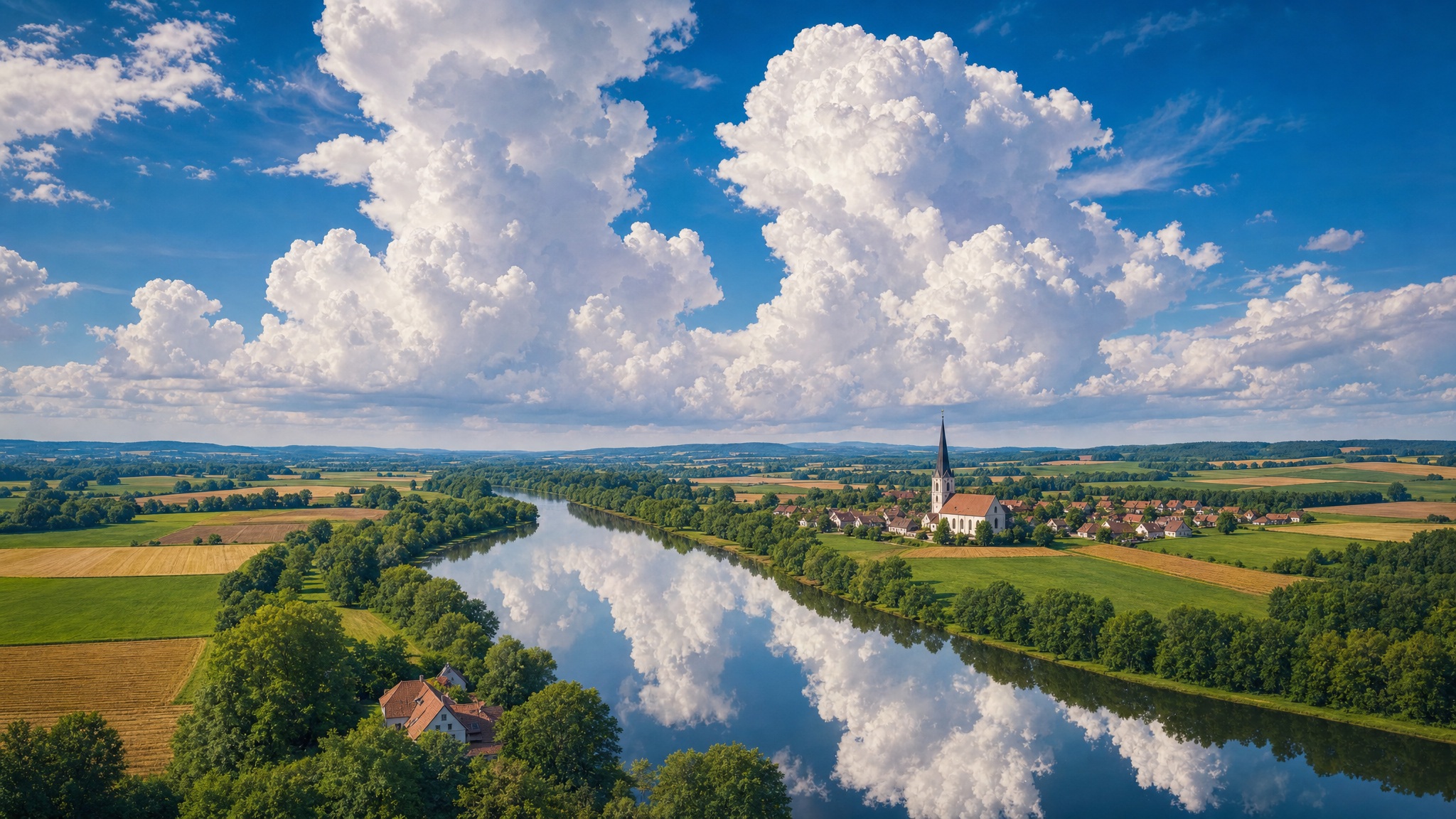
A painterly landscape where towering cumulus clouds reflect in a calm river beside patchwork farmland and a village church — romantic fine-art style, serene pastoral mood.
ByteDance Seedream 5
Type a prompt, pick an aspect ratio, and Seedream 5 turns it into a finished image. Daily free credits, no install — the same dashboard also hosts image-to-image editing and an image-to-video workspace.
A selection of published prompt entries from the shared library. Read the prompts, then write your own in the box above.
A painterly landscape where towering cumulus clouds reflect in a calm river beside patchwork farmland and a village church — romantic fine-art style, serene pastoral mood.
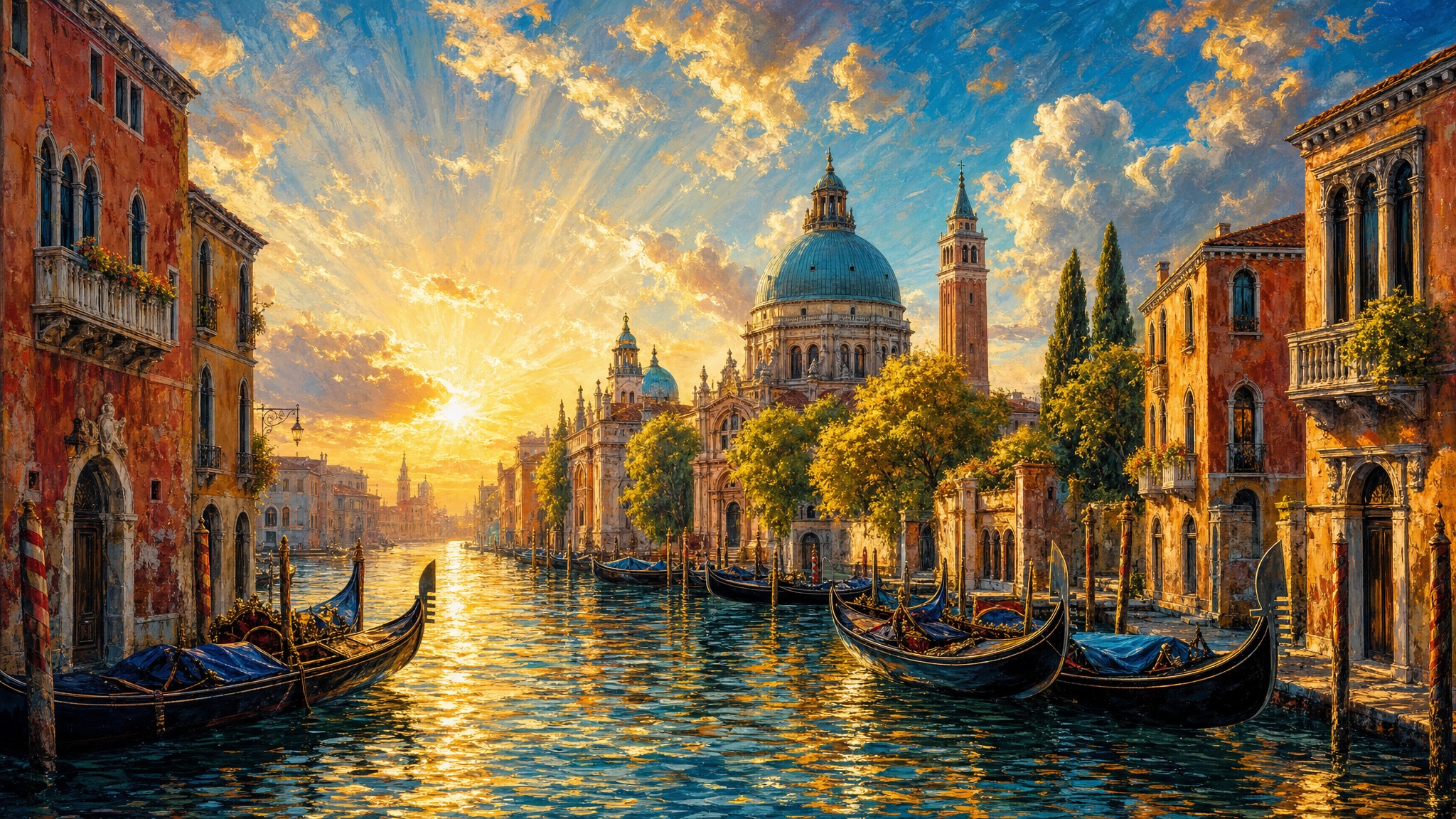
A Venetian canal in oil-painting style at golden hour — rich blue and gold tones, dramatic light, a romantic travel-poster atmosphere.

A butterfly resting in a golden wheat field under soft light — delicate textures, warm tones, gentle natural focus for illustration or poster use.
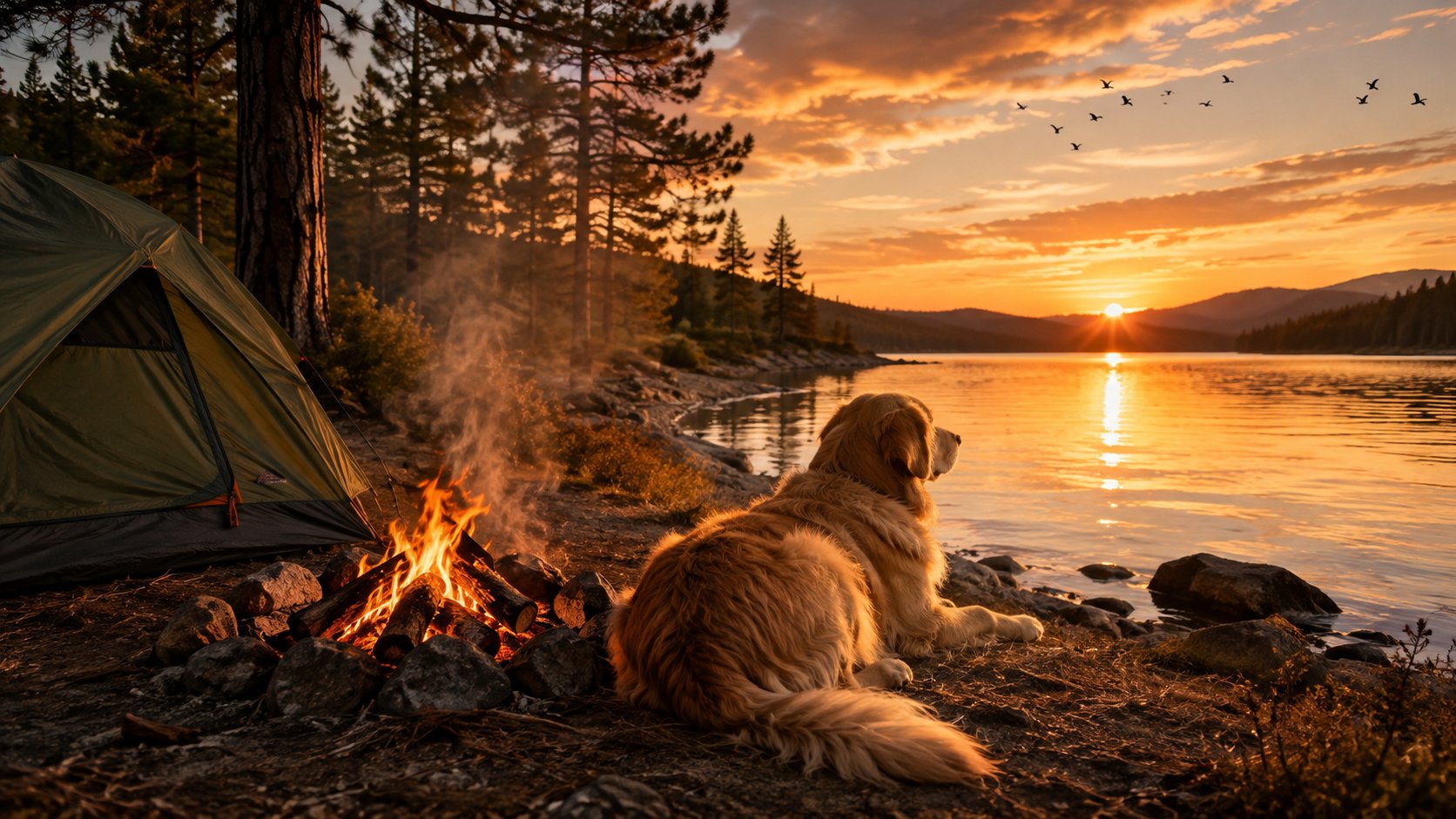
A golden retriever resting beside a campfire at a mountain lake — warm firelight on fur, serene wilderness details, cinematic animal photography feel.
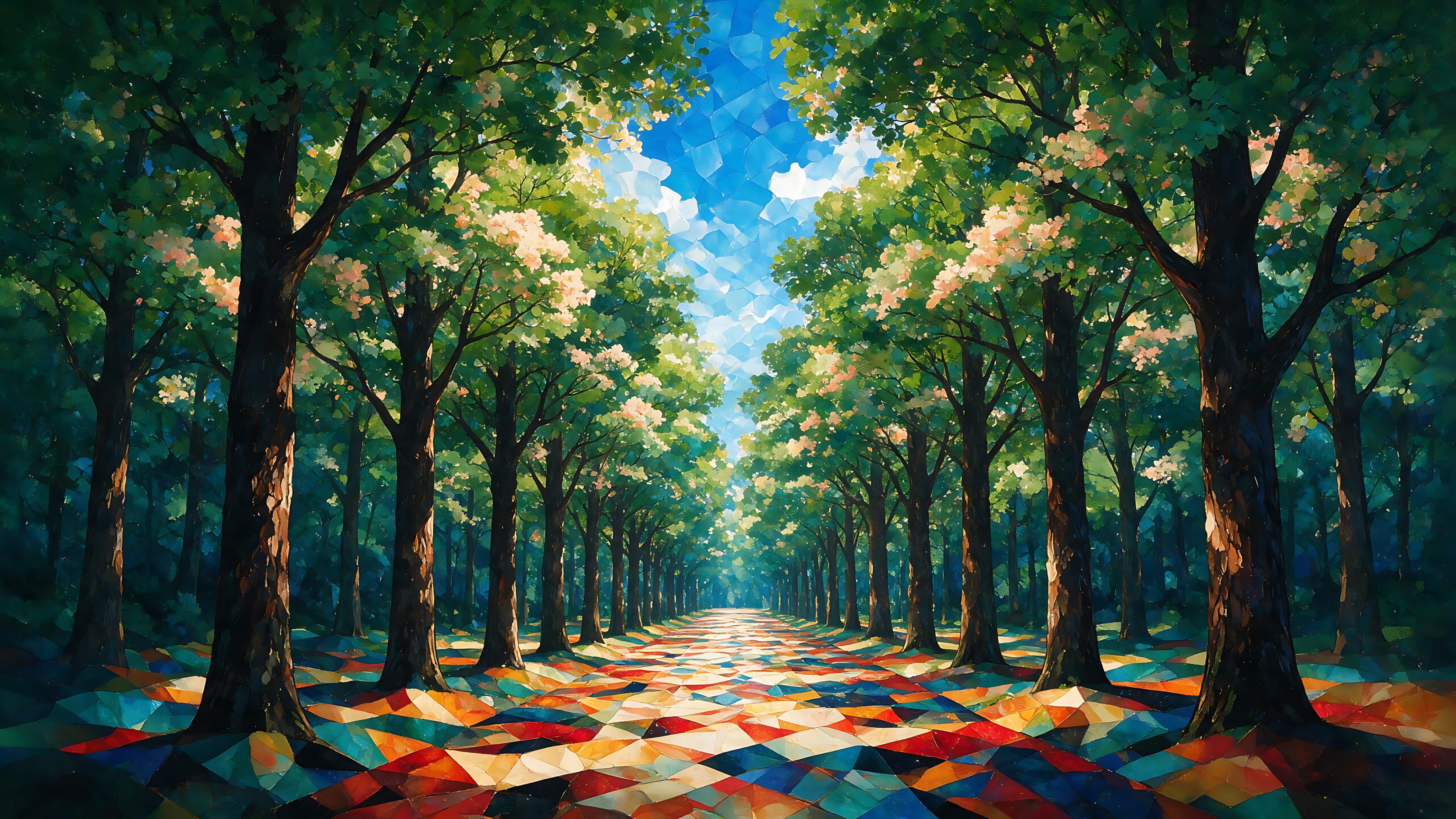
A dreamlike forest avenue with symmetrical trees and a colorful geometric ground — stained-glass aesthetic with soft layered lighting.
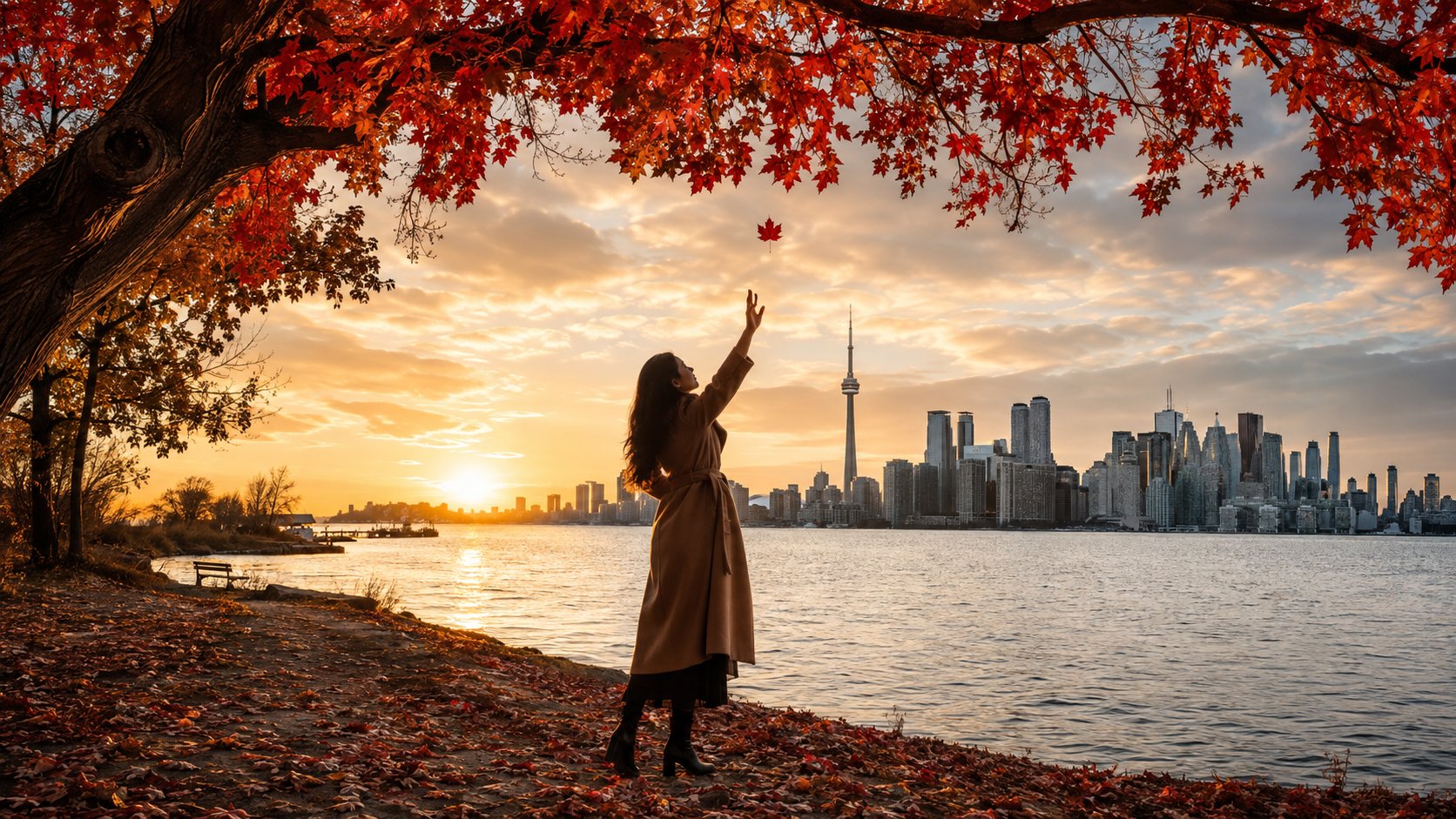
Toronto waterfront glows under golden hour light, where falling red leaves frame the city skyline. This serene autumn scene evokes nostalgic romance through warm tones and tranquil atmosphere. Suitable for travel photography projects and seasonal graphic design.
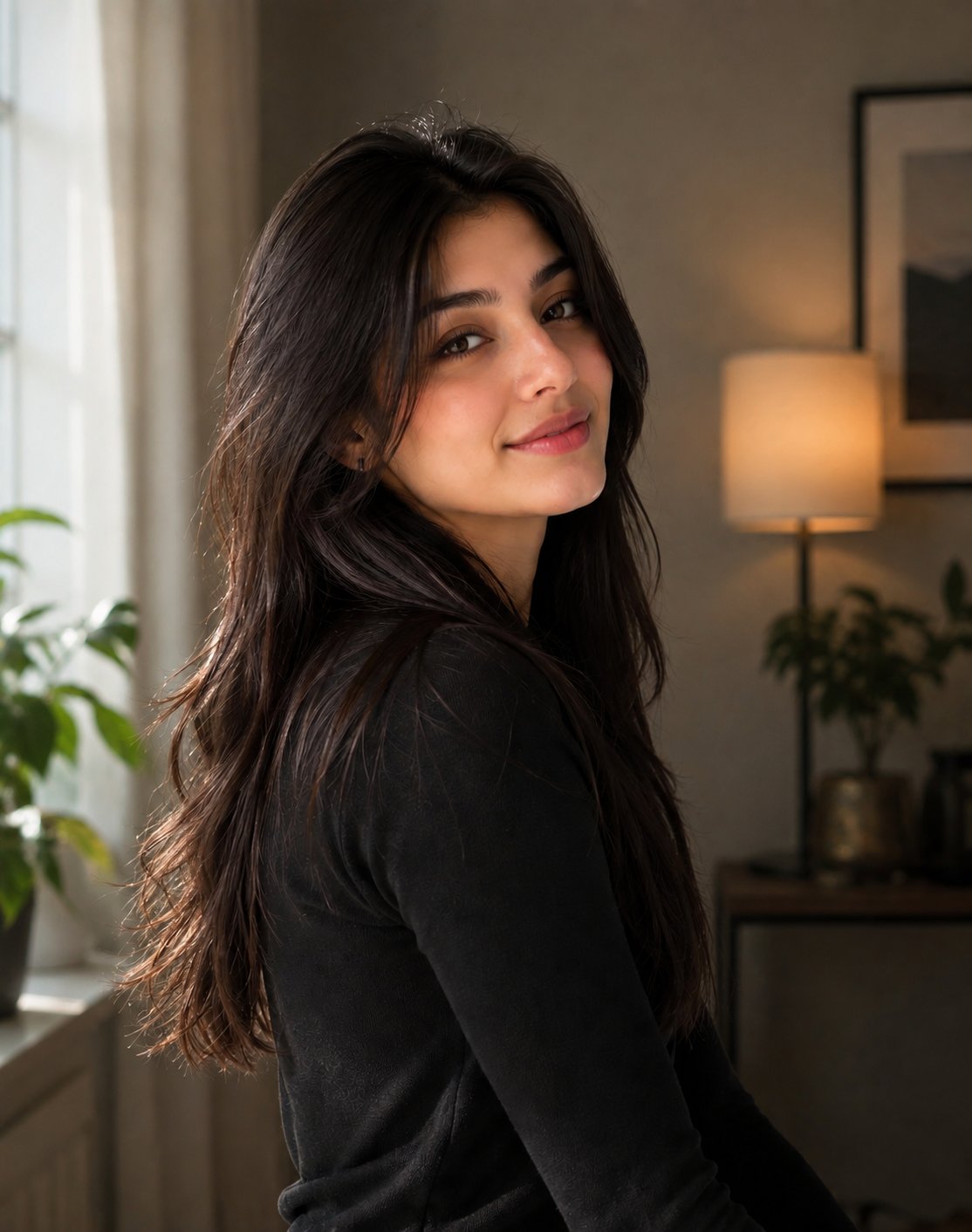
This warm portrait captures a smiling young South Asian woman in a cozy, plant-filled interior. Soft lighting and shallow depth of field create an inviting, realistic atmosphere.
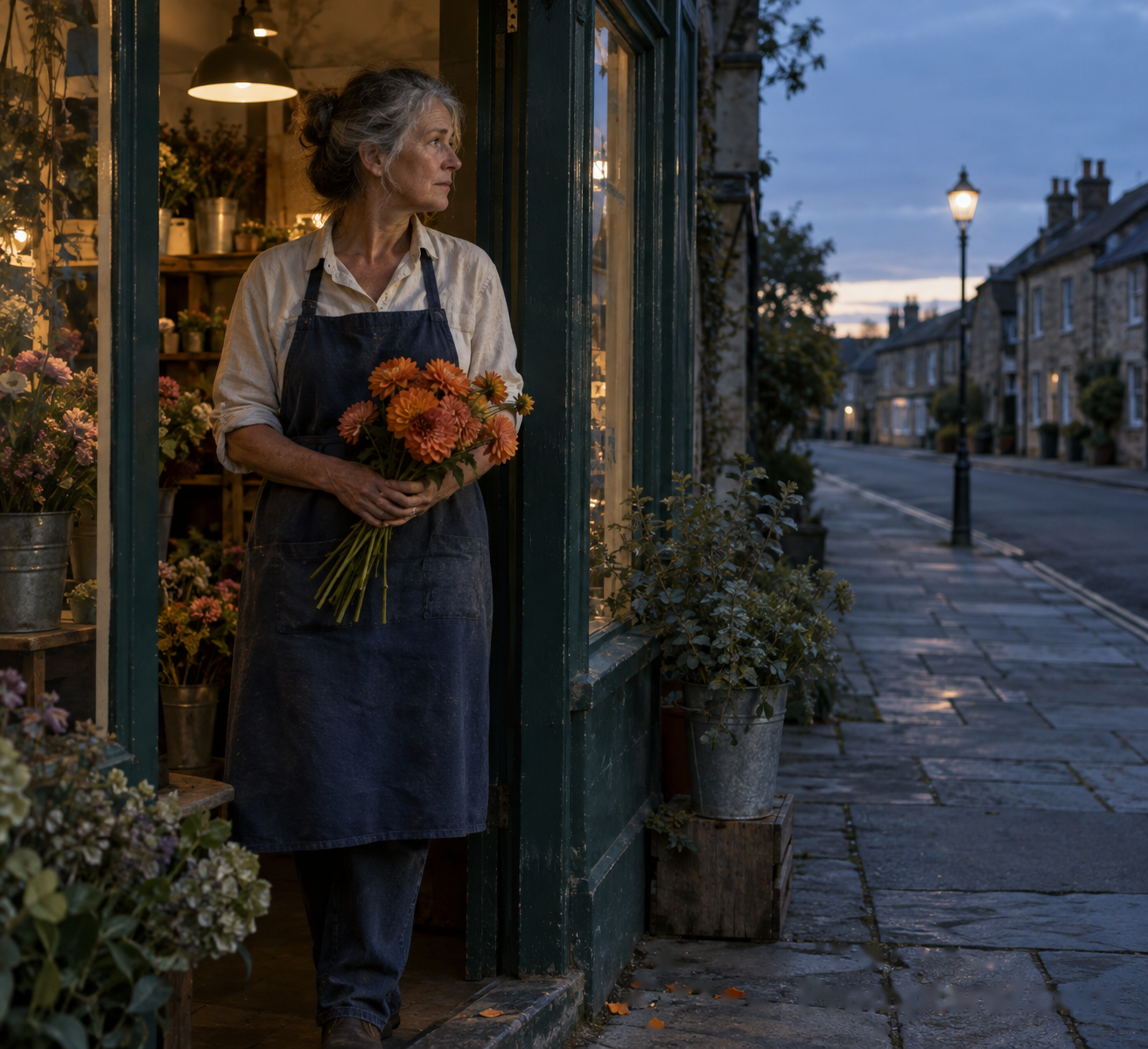
An older florist holds a bunch of orange dahlias at dusk, photographed in warm grainy light inside a flower shop. Suitable for editorial portraits and lifestyle illustration projects.
These examples come from the site's shared prompt library and were not all made with Seedream 5. Your results will look different.
Seedream 5.0 is the image workspace built around ByteDance's Seedream 5 model family — Lite for everyday prompts, Pro for higher-end output, and Flash for fast drafts. The same editor accepts a text prompt alone or one reference image plus a prompt, so text-to-image and image-to-image live in the same tool.
The site gives the models a web workspace. You pick an aspect ratio, write a prompt, and pay per generation in credits — 14 for Lite, 9 for Pro, 5 for Flash. The same balance also covers the video workspace and other hosted image models, so you can compare outputs without switching tools.
This site is independent — it is not affiliated with, sponsored by, or endorsed by ByteDance.
| Model developer | ByteDance |
|---|---|
| Hosted models | Seedream 5 Lite, Pro, Flash · Seedream 4.5 |
| Access | Free daily credits · paid plans optional |
| Input | Text prompt, or one image + prompt for image-to-image |
| Output | JPEG image (PNG selectable) |
| Aspect ratios | 1:1, 3:4, 9:16, 4:3, 16:9 |
| Cost per image | 5–14 credits depending on model |
| Free credits | Daily credit allowance for signed-in users |
| Runs on | This site — nothing to install |
| Affiliation | Independent site, not endorsed by ByteDance |
The hero box hands your prompt and settings to the dashboard — nothing is generated until you press the button there.
Type what you want in plain words in the box above — a subject, a setting, and a style are usually enough for a solid first result.
Choose between Seedream 5 Lite (everyday), Pro (highest quality), Flash (fastest), or 4.5 — the credit cost shows on the selector before you commit.
Upload one image in the dashboard to switch into image-to-image mode — useful for restyling, editing, or finishing an existing visual.
Each image costs the model's credit price and lands in your history. Download it, or send the frame to the video workspace to animate it.
Six jobs the image workspace handles well.
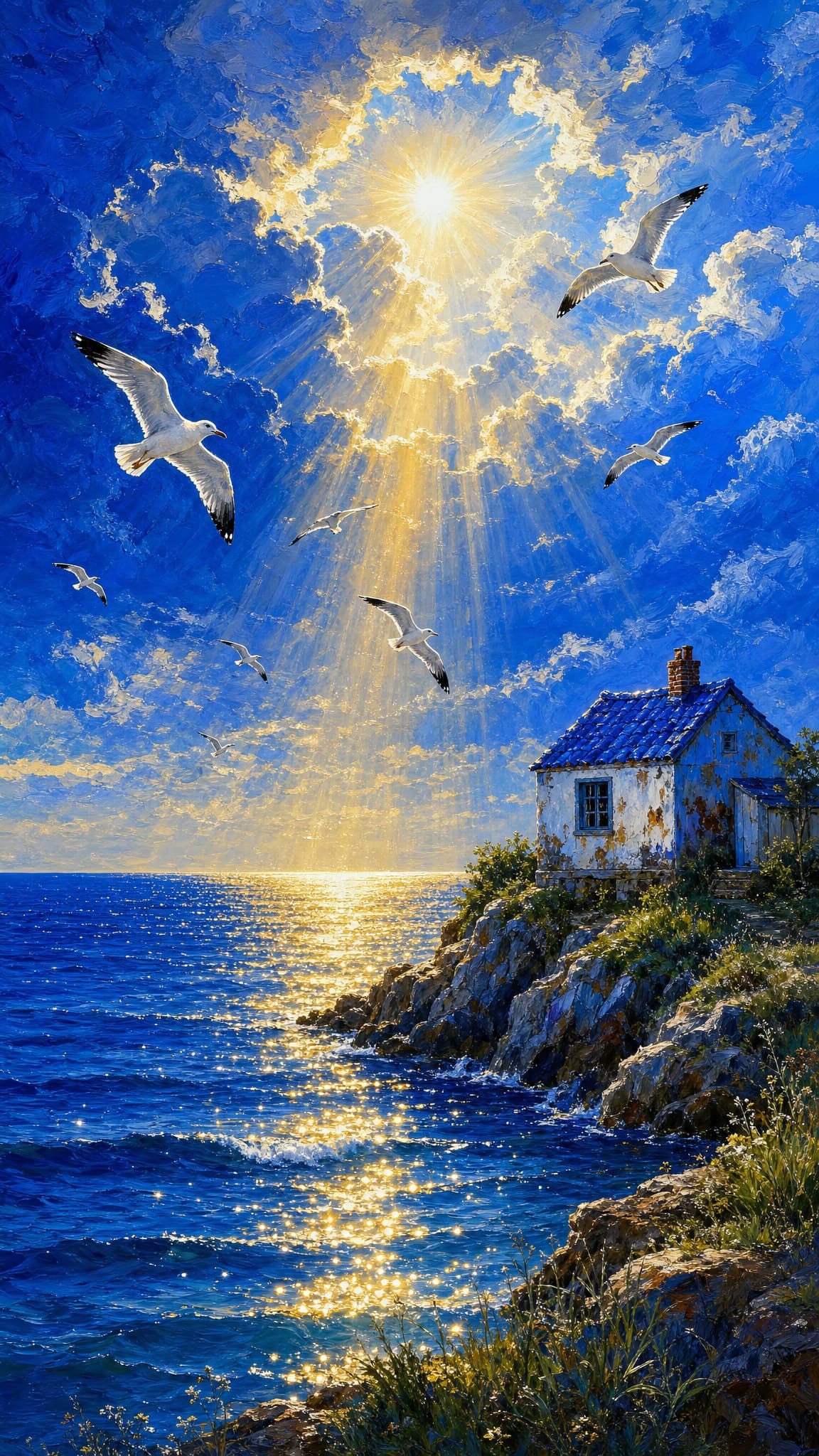
Firelight on fur, mist over water, reflections on metal — prompts that name the light source and surfaces get the most out of the model.
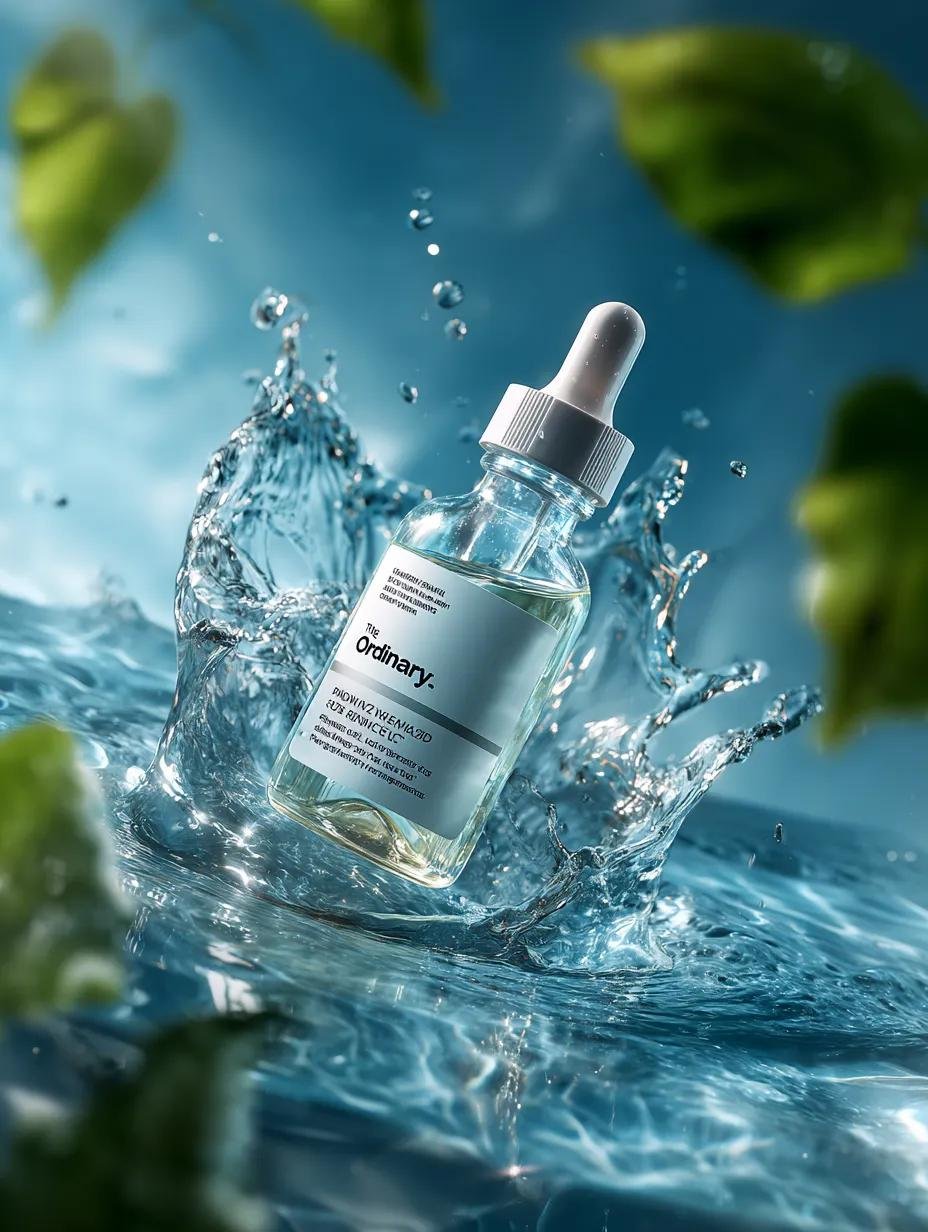
Clean studio-style renders of packaging, gadgets, and cosmetics with controlled lighting and backgrounds — useful for concept ads before a real shoot.
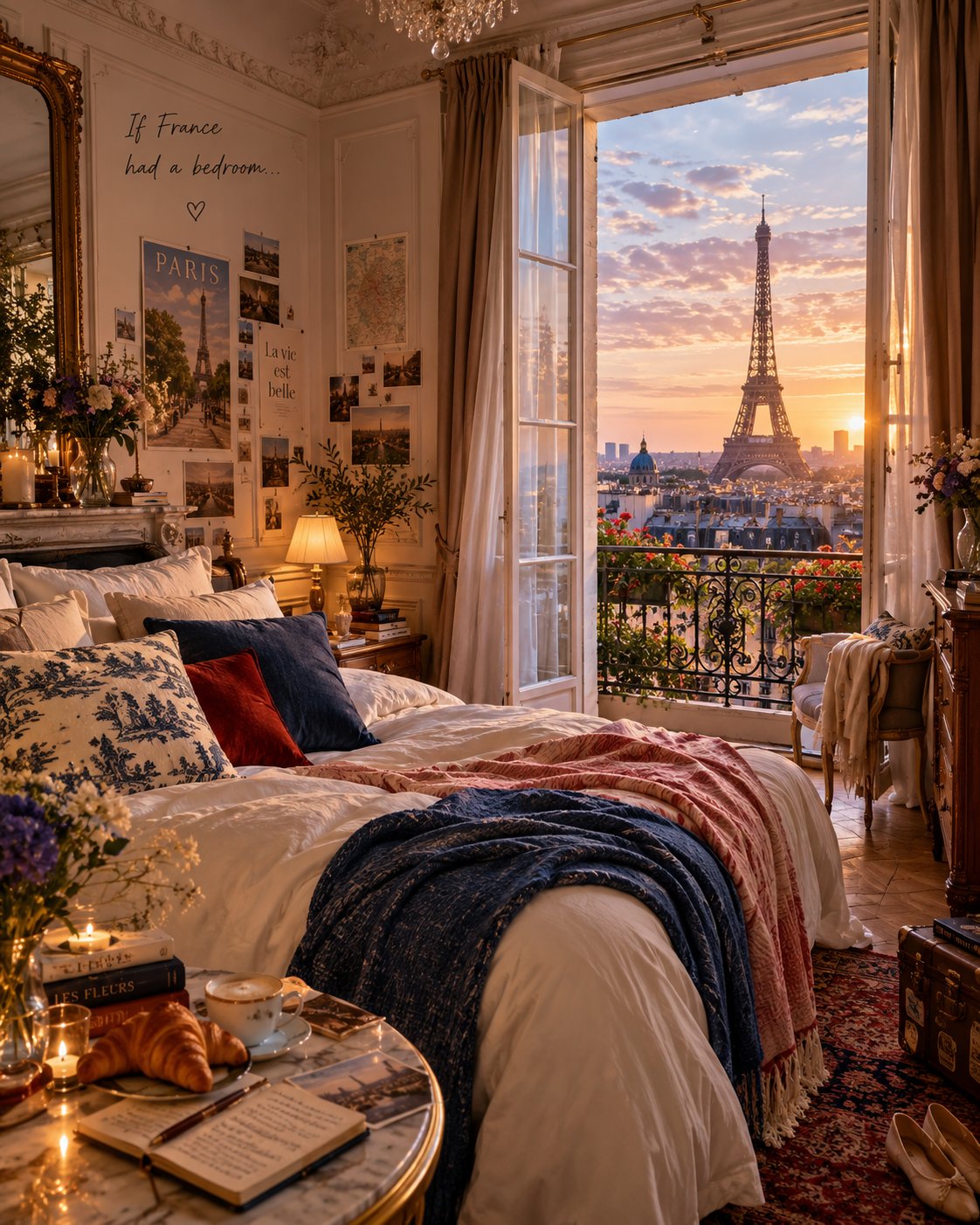
Rooms, facades, and furniture with consistent perspective and believable daylight. Works for mood boards and staging concepts.
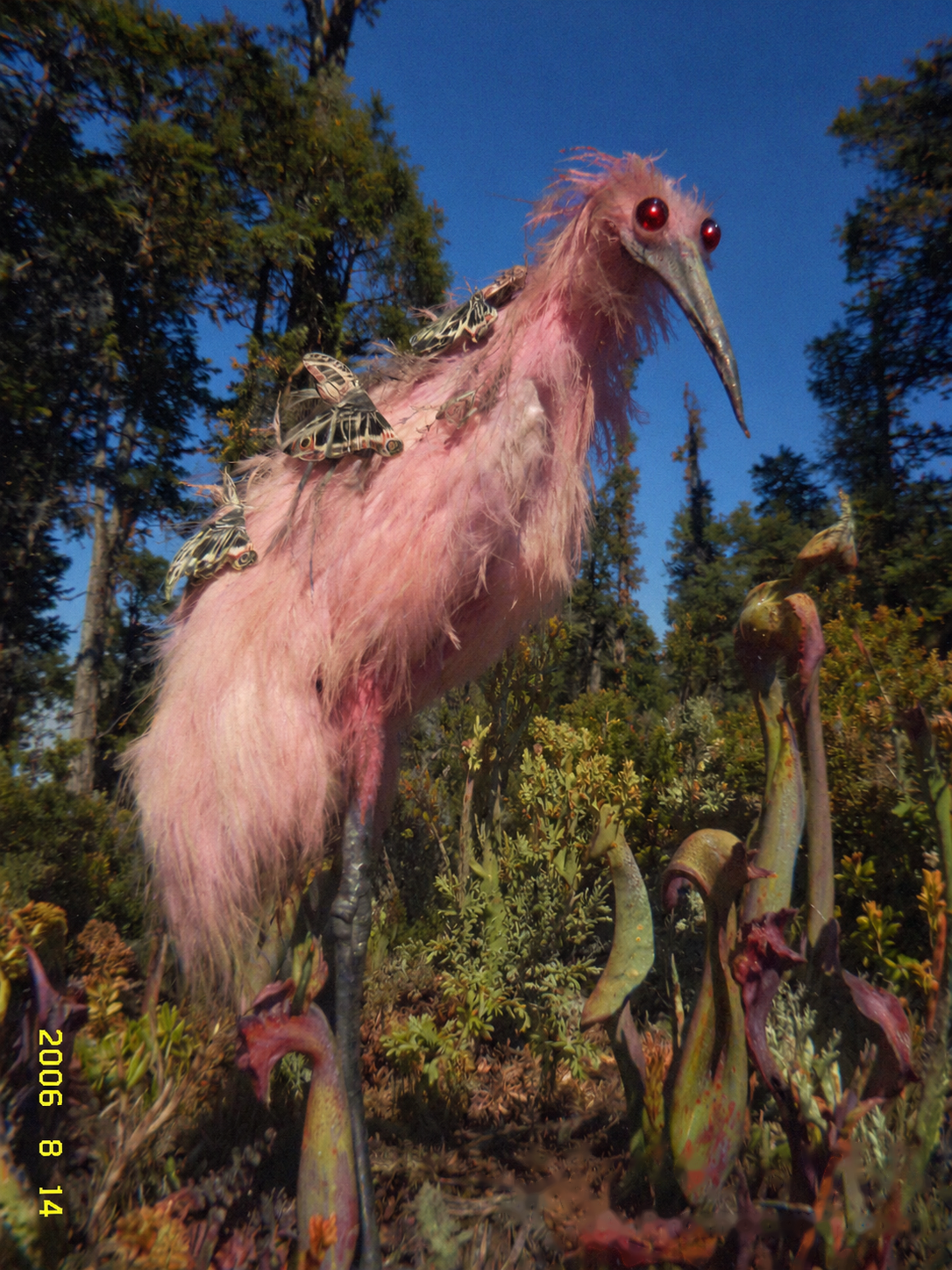
Wide establishing shots with atmosphere — weather, depth, and a strong focal point for storyboards, game environments, and keyframe sketches.
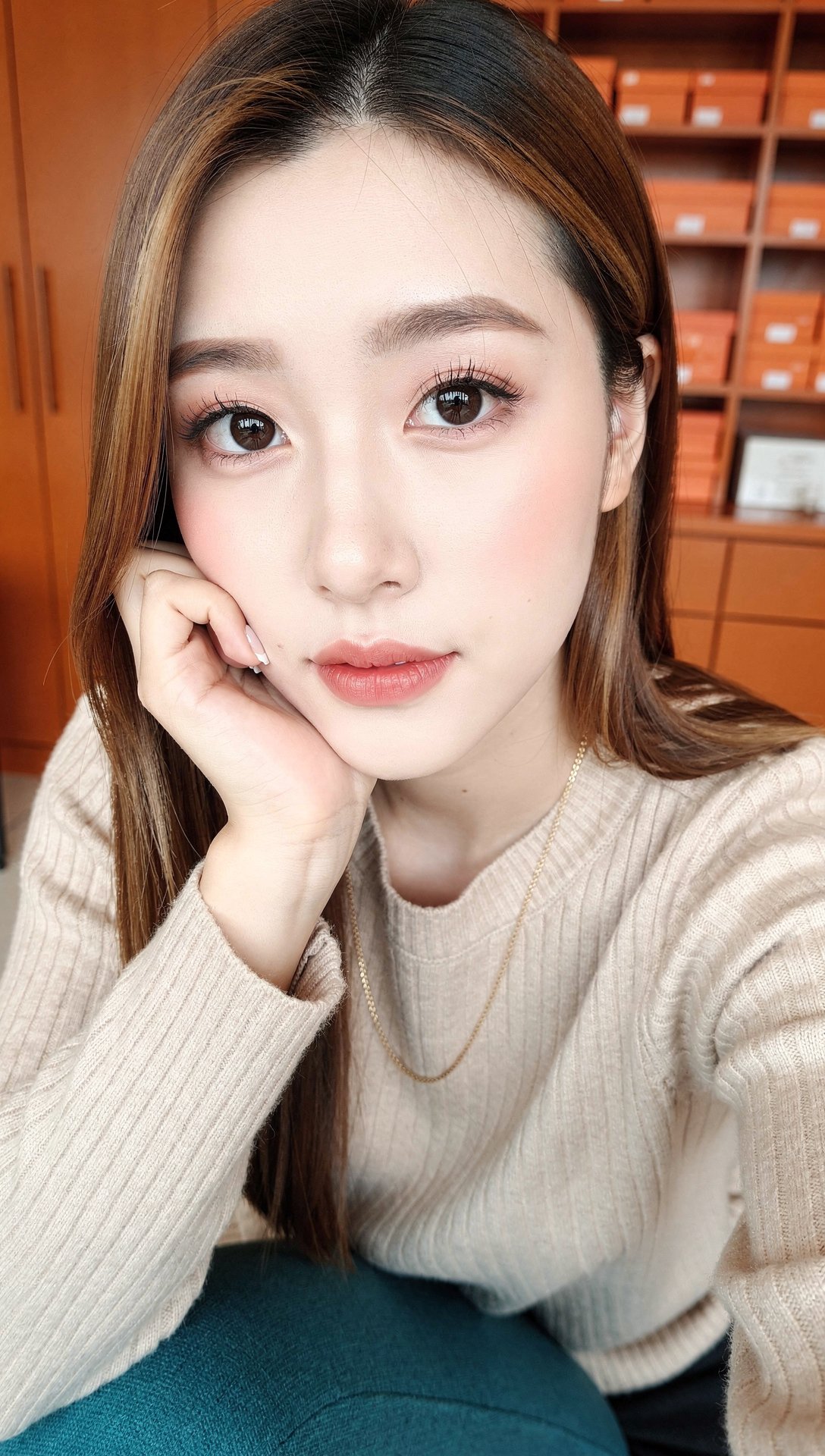
Studio-light portraits with natural skin texture, magazine-cover feel. The 3:4 and 9:16 ratios frame headshots without post-cropping.

Editorial-quality food photography and lifestyle flat-lays — warm film-grain looks and clean studio light for menus, packaging, and social posts.
These examples come from the site's shared prompt library and were not all made with Seedream 5. Your results will look different.
The same controls appear in the hero box and in the full dashboard.
Describe what you want in plain words — no special syntax needed. The model handles lighting, materials, and composition from a short prompt.
Upload a reference image and add a prompt to restyle, edit, or extend it. The model keeps the structure and changes what you describe.
1:1, 3:4, 9:16, 4:3, and 16:9 are first-class settings, not crops applied afterward — pick the shape before you generate.
Pick Lite for everyday work, Pro for the highest quality, Flash for fast drafts, or 4.5 for an earlier proven generation — all under one credit balance.
A finished frame can move into the video workspace in one step and come back as an animated clip — no second account, no second wallet.
The marketing pages, dashboard, and legal pages are all localized — pick your language in the header.
The two everyday Seedream 5 options side by side, as the dashboard exposes them.
| Parameter | Seedream 5 Lite | Seedream 5 Pro |
|---|---|---|
| Input | Text prompt, or one image + prompt | Text prompt, or one image + prompt |
| Output | JPEG image (PNG selectable) | JPEG image (PNG selectable) |
| Aspect ratios | 1:1, 3:4, 9:16, 4:3, 16:9 | Same five ratios |
| Prompt length | Up to 2,500 characters | Up to 2,500 characters |
| Generation time | About 10 seconds | About 15–25 seconds |
| Cost per image | 14 credits | 9 credits |
Every model in the dashboard draws from the same credit balance. This table lists the cost per generated image for a few of them.
| Model | Developer | Cost per image | Good fit for |
|---|---|---|---|
| Seedream 5 | ByteDance | 14 credits | Everyday text-to-image and image-to-image |
| Seedream 5 Pro | ByteDance | 9 credits | Highest-quality output |
| Seedream 5 Flash | ByteDance | 5 credits | Fast drafts at the lowest cost |
| Seedream 4.5 | ByteDance | 8 credits | Previous generation, still solid |
| Z Image Turbo | Alibaba | 2 credits | Bulk drafts at the lowest cost |
| NanoBanana 2 Lite | 6 credits | Editing existing images |
Generation is billed in credits — Seedream 5 Lite costs 14, Pro costs 9, Flash costs 5. Top up with a credit pack whenever you need more, or subscribe for a monthly allowance. Credit-pack credits never expire.
See pricingSeedream 5.0 is the image workspace built around ByteDance's Seedream 5 model family — Lite for everyday prompts, Pro for higher-end output, and Flash for fast drafts. It accepts a text prompt alone or a reference image plus a prompt.
Yes — signed-in users get a daily credit allowance, enough for a handful of images a day. After that, images cost the model's listed credit price.
No. Everything runs in the browser — prompt in, image out. There is no desktop app, browser extension, or local model to manage.
Five native ratios — 1:1, 3:4, 9:16, 4:3, 16:9 — selectable before you generate, not as a post-crop.
Yes — upload one reference image plus a prompt in the dashboard and the model restyles or edits the image while keeping its structure.
Seedream 5 Lite finishes in about 10 seconds on average. Pro takes a bit longer because it prioritizes quality.
The credits reserved for that task are refunded to your balance automatically.
Outputs made on a paid plan may be used commercially under our Terms. Free-tier output is for evaluation and personal use.
No. This is an independent site that hosts Seedream models through a third-party inference API. It is not affiliated with, sponsored by, or endorsed by ByteDance. Read the Terms
Yes — the same dashboard hosts additional image models and the video workspace, all drawing from the same credit balance.
Just an account. Signing in opens the dashboard and gives you a daily credit allowance.
Not directly — it's an image generator. But you can send a finished image to the video workspace to animate it, using the same credit balance.
Write a prompt in the box above and generate your first image.